Release Notes: February 6th, 2025
We’re rolling out another round of fixes and improvements to the Beta Editor, addressing key issues and introducing a new feature to enhance your workflow. Here’s a breakdown of what’s included in this update:
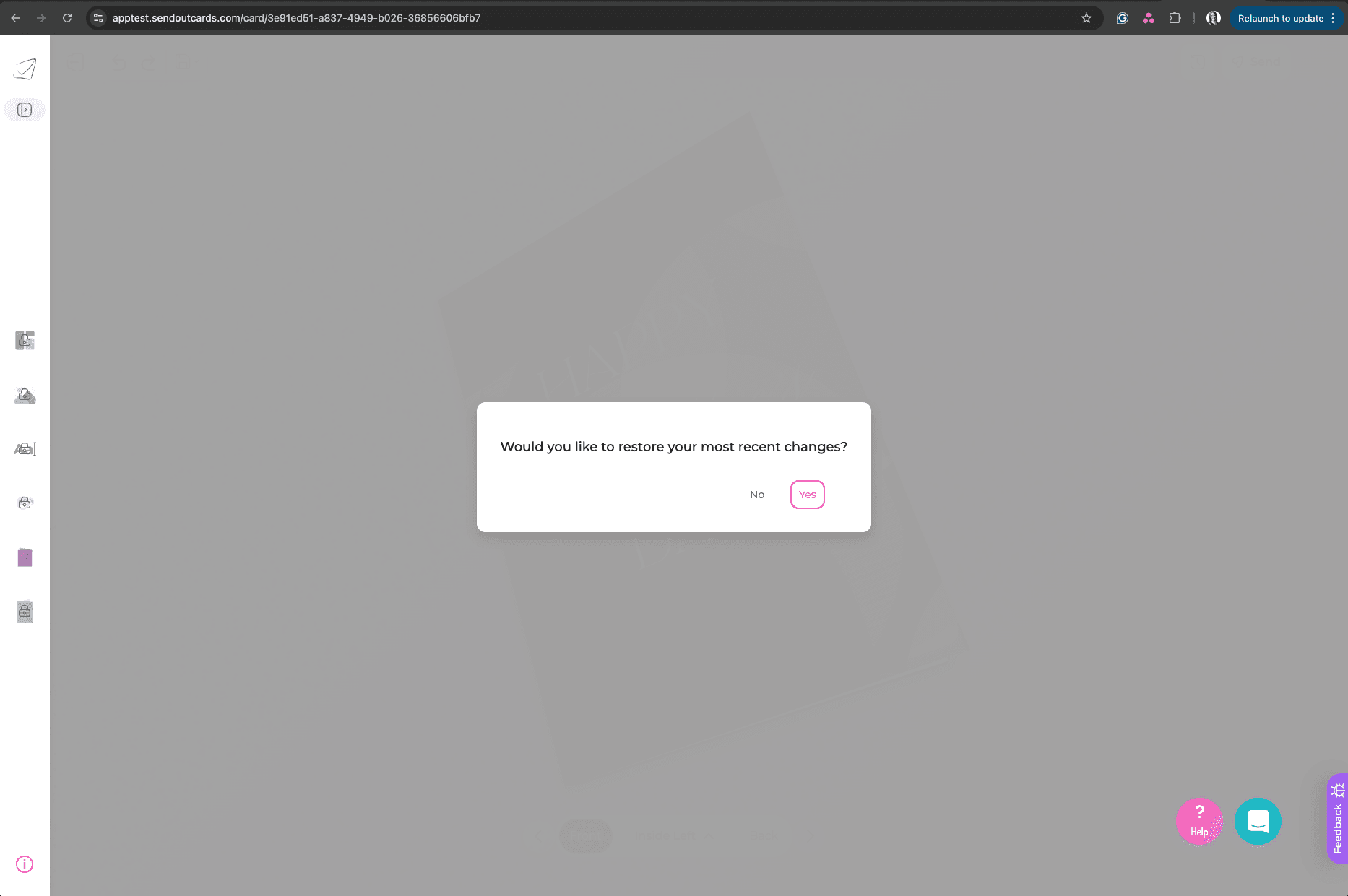
New Feature: Auto-Save for Card Editing
We’ve implemented auto-saving when editing a card! This ensures that your edits are continuously saved, allowing you to reload the card with your latest changes if the page refreshes or an error occurs.
Fixes & Improvements:
Back Panel Sizing Issue: Resolved an issue where horizontal back panels were incorrectly doubling when applied to default templates.
Saved Back Panels Not Fully Loading: Fixed a bug that prevented all saved backs from loading, previously stopping at 20.
“Save as New Back Panel” Not Working: Users can now properly save new back panels from existing custom panels.
Text Highlighting Issue: Improved text selection when multiple text boxes exist on the same panel to ensure smooth editing.
Previous Card Loading in Orders: When editing a card from an order and leaving the editor, a new card will now load properly instead of incorrectly pulling in the previous card.
Card Back Panel Color Not Applying: Fixed an issue where the back panel color wouldn’t appear correctly in the Beta Editor.
Layered Element Controls Hidden: Resolved an issue where controls for layered elements were not accessible when it behind another element.
Mobile Fixes:
iPad Layout Fixes: Improved layout behavior on iPad for a better editing experience.
Text Disappearing When Closing Keyboard: Resolved a mobile-specific issue where text would vanish after closing the keyboard.
What’s Next?
We’re continuing to refine the editor, optimize performance, and bring new features to improve your experience. Keep the feedback coming—we appreciate your support!
— The Promtings IT Team